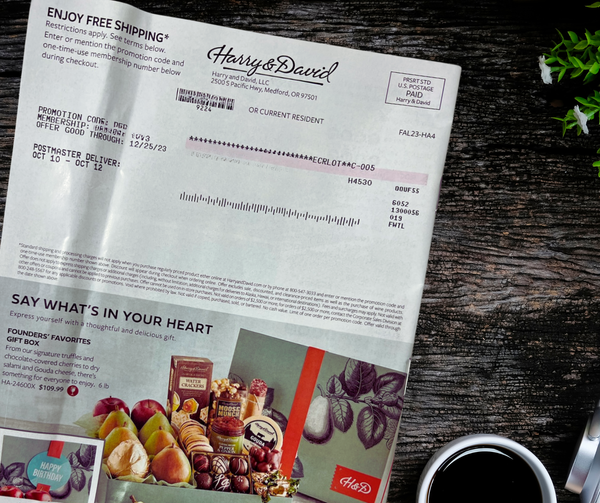
Jump Ship on Royal Caribbean's Junk Mail
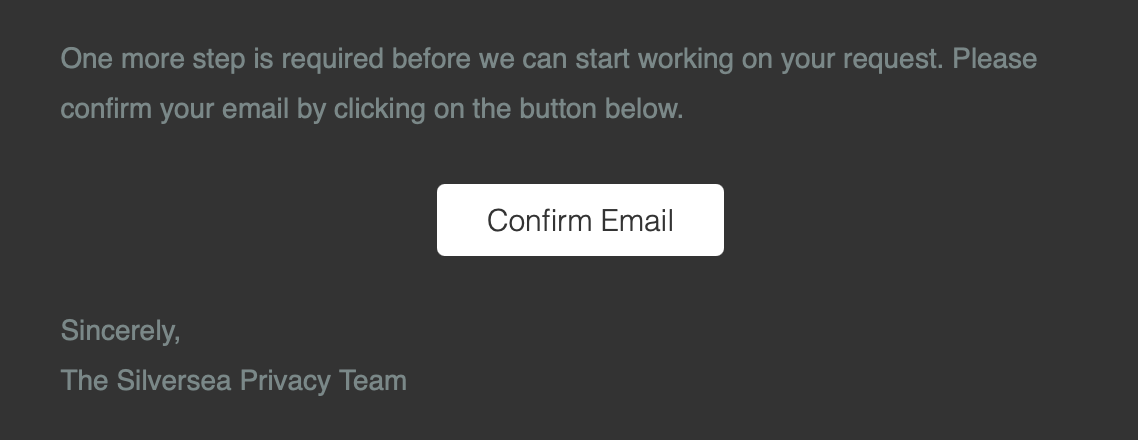
But watch out for hidden reefs: the confirmation email has a sneaky 'Confirm Email' button buried in the depths


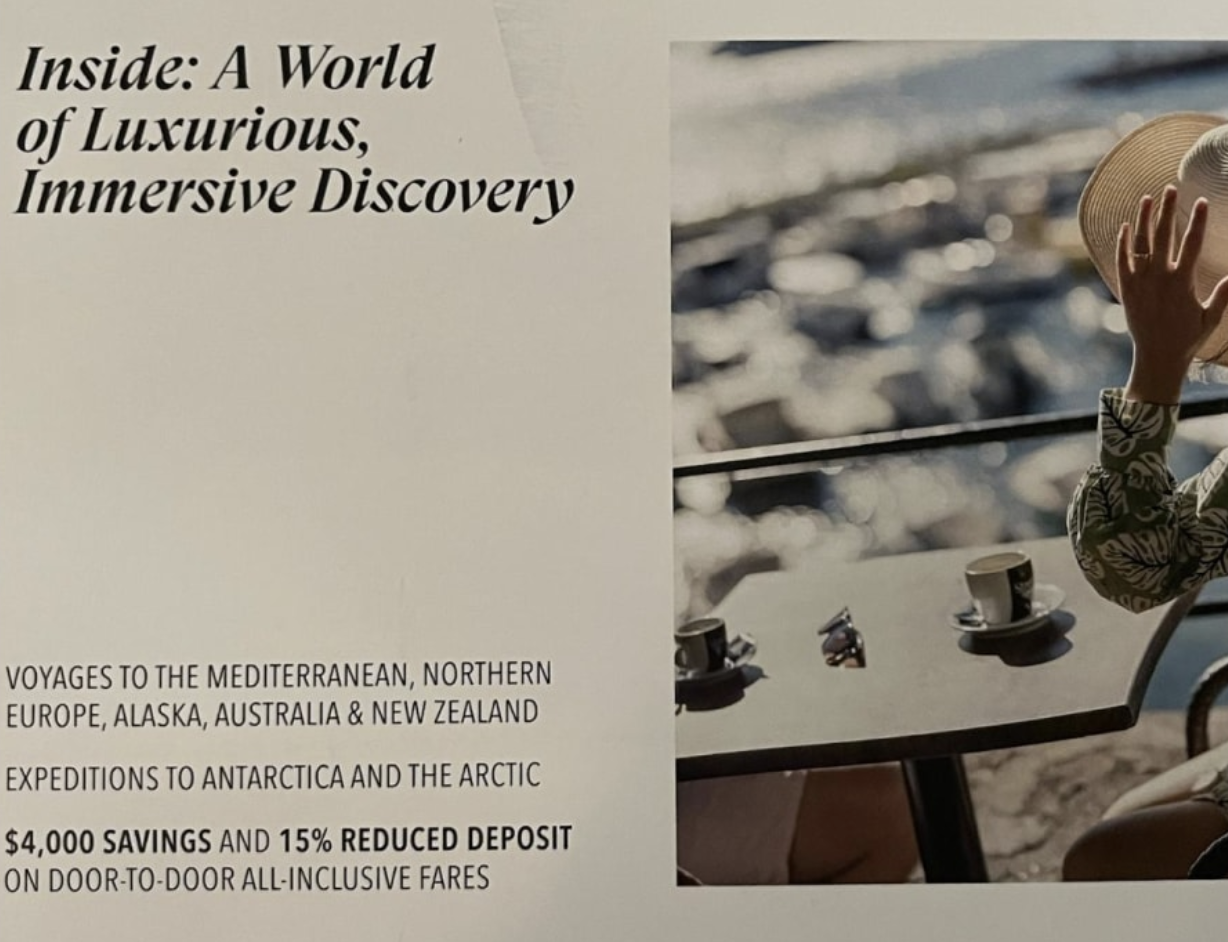
Cruise lines send lots of junk mail, and they don't make it easy to find their Do Not Mail list. So here's your shortcut: the Marketing Subscriber Data Subject Request Form for Royal Caribbean International, Celebrity Cruises, and Silversea Cruises.
The form asks you to select among the three brands. Might as well select all to be safe. Then you can choose between Unsubscribe or Delete my data. Once again, might as well go for the nuclear option and choose delete.
Then you'll need to fill out basic details before reaching the Additional Information text box. To ensure you are removed from their postal mailing list and not just digital, you might write something like:
I wish to stop receiving mail from you. Please remove my postal mailing address from your mailing list.
Once you submit the form, you're not done yet! You will receive a confirmation email and you must scroll down and click the Confirm Email button. It's easy to miss, since the subject makes no mention of action required and the button is buried beneath 2 paragraphs that make no mention of it.
Within a few days, you should receive a confirmation email stating Your privacy-related request (Request ID: XXXX) has been completed along with a link to their privacy portal. You can safely ignore that button as you are now all set!